Console storage upgrades: check the game workflow before buying
Choose console storage by exact platform support, playable game types, installation needs and safe setup.
Research-led guidance based on published information and practical selection criteria. We have not performed hands-on testing of the products discussed.
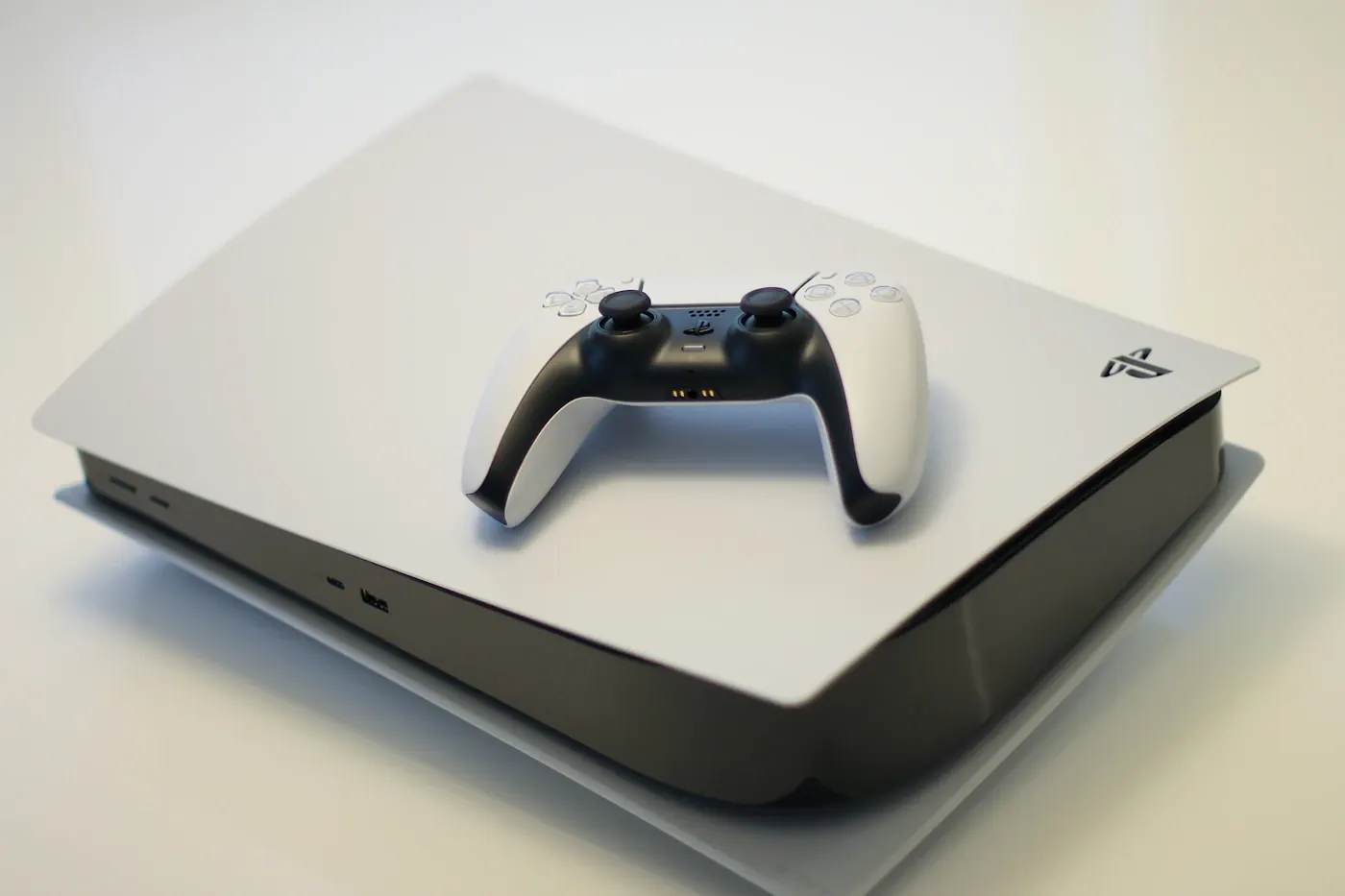
A new family game needs space, but removing another game disappoints someone who still plays it. Extra console storage seems like a straightforward purchase. The complications appear when one drive stores a game but cannot run it, an expansion device fits only certain consoles, or installation requires specifications you have not checked. Start with how the platform actually uses storage.
Short verdict
Identify the exact console and the games you want to play directly from additional storage. Then use the platform’s official requirements to choose the supported device. A large inexpensive external drive can be useful for some workflows, but it is not interchangeable with every supported internal or expansion option.
Compare storage goals
| Goal | First question | Possible limitation |
|---|---|---|
| Play installed games without moving them | Which supported storage runs these game types? | Newer and older titles may differ |
| Keep downloads ready for transfer | Can the console store and move this content? | Transfers take time |
| Reduce repeated installation | Which games need to remain available? | Capacity does not remove updates |
| Share a family console | How are saves and accounts managed? | Game storage and save management differ |
Storage rules differ across console families and generations. Do not apply a guide for one model to another simply because the brand name matches. Official PlayStation and Xbox support pages describe their own supported arrangements, and individual product requirements should remain the purchase reference.
The distinction between storing and playing matters. An external drive may hold content for later transfer without supporting direct play for every game category. Read that restriction before deciding the purchase will eliminate all installation management.
Step one: review the current library
Open the console’s storage settings and identify what uses space. Games, updates, captures, and other content can require different handling. Remove unwanted recordings or uninstall games nobody expects to play soon, but check the platform’s guidance before deleting anything associated with saves.
Talk to other people who use the console. A shared library benefits from a simple plan: frequently played games remain available, while occasional titles can move or be reinstalled when appropriate. Buying more capacity may be worthwhile, but it is not the only way to reduce friction.
Distinguish an installed game from entitlement to download it again. Accounts, subscriptions, physical discs, and purchase history can affect access. Do not erase a title on the assumption that every user can restore it without the relevant account or media.
Step two: establish the supported hardware
For an internal SSD arrangement, check the exact physical form, interface, capacity range, cooling requirements, and installation instructions. Sony’s official PS5 M.2 guidance is the authority for that platform’s requirements; a drive being marketed as fast does not establish compliance with the full checklist.
For proprietary expansion hardware, verify that the product supports the console model and intended game types. Similar-looking accessories from unfamiliar sellers are not evidence of equivalent compatibility. Buy from a trustworthy retailer with clear return terms.
For USB storage, check connection requirements, supported capacities, and formatting behavior. A USB connector that physically fits does not confirm that the console will accept the device for the job you want. Do not assume that a drive already used for computer files can be connected without consequences.
Step three: plan safe setup
Read the platform’s installation instructions before opening hardware or connecting a drive. Follow power-down and handling requirements, and use the specified tools where relevant. If you are uncomfortable with a supported installation, ask an appropriate service provider rather than improvising.
Formatting can erase existing files. Back up anything valuable and verify the backup before allowing a console to prepare a drive. A warning on screen should be understood, not dismissed because the device is new to the console.
After setup, use the console’s storage tools to confirm recognition and move a nonessential game first. Check that the intended workflow works before reorganizing the whole household library. Do not disconnect storage during activity; follow the platform’s safe removal guidance.
What deserves extra spending?
Prioritize official compatibility, genuine hardware, adequate capacity for your actual library, and clear support. A headline transfer speed above what the console supports may not improve the experience. Include required cooling components or accessories where the platform specifies them.
Storage expansion also does not accelerate the internet connection. A download can remain slow because of network conditions even when the drive is suitable. If evening sessions are the real concern, consider updates, shared bandwidth, and installation planning alongside capacity.
Our handheld travel guide covers a related question: how preparation and offline availability can matter more than buying additional hardware.
Who should skip an upgrade?
Skip it when a small library fits comfortably and occasional housekeeping is easy. Also postpone the purchase if you cannot determine whether the device supports direct play for your games. Buying the wrong storage creates transfers and returns instead of convenience.
FAQ
Can any external SSD run every console game?
No. Direct-play support depends on platform, console generation, game type, and the storage arrangement. Use official guidance.
Will new storage preserve saved progress automatically?
Do not assume game installations and saves are handled identically. Review account, backup, and save-management instructions before changing storage.
Is the biggest supported drive always best value?
Only if you will use the space. Compare the complete cost with your library size and willingness to manage less frequently played games.
Sources & further reading
Consult these official resources for technical details and compatibility. Product availability, specifications, and terms can change; verify the exact model before buying.
Spotted an error? Send a correction to Smartvora.