Mechanical vs. Low-Profile Keyboards for Everyday Work
Find a keyboard that fits your typing habits, desk height, shared workspace, and operating system without paying for irrelevant features.
Research-led guidance based on published information and practical selection criteria. We have not performed hands-on testing of the products discussed.
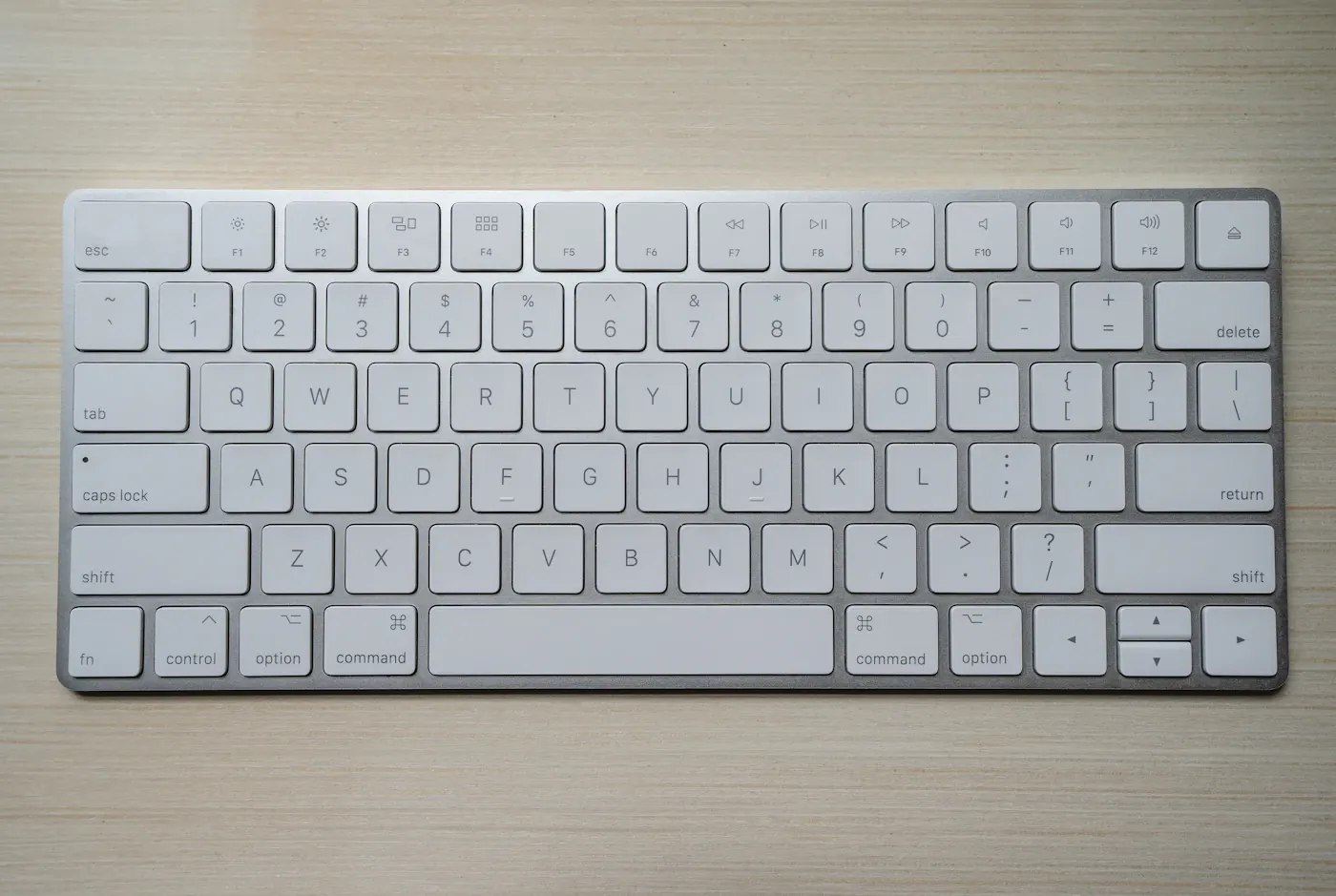
These are overlapping categories
Mechanical describes a switch mechanism; low-profile describes a thinner design. A keyboard can be both. That matters because shopping as though they are mutually exclusive can hide the product you actually want. Compare switch type, travel, height, layout, noise, and connectivity as separate choices.
Picture a writer at a kitchen table shared with someone taking calls. A tall clicky keyboard might feel satisfying to one person but create unwanted sound for the other. A compact low-profile board may be easier to store, yet its compressed layout could make spreadsheet navigation awkward. Begin with that daily situation, not an enthusiast’s favorite switch.
Compare the practical outcomes
| Preference | Direction to consider | Important limitation |
|---|---|---|
| Pronounced tactile feedback | Tactile mechanical switches | Tactile does not necessarily mean quiet |
| Thin laptop-like feel | Low-profile or scissor-switch design | Key spacing and travel still vary |
| Quiet shared room | A keyboard designed for quieter operation | Desk surface and typing force matter |
| Frequent spreadsheets | Convenient number pad and navigation keys | Larger boards occupy more desk space |
| Travel between workplaces | Compact layout with dependable connection | Missing keys may require shortcuts |
Use the table as a shopping filter, not a verdict on every model. A mechanical board with quiet switches can be a better neighbor than a rattling inexpensive membrane board. Published switch descriptions are useful, but a return policy gives you a way to assess whether the feel suits you.
Keyboard height changes the setup
A taller keyboard may require a different desk position or support than a low-profile one. Raising rear feet changes the angle and does not automatically improve comfort. Aim for a relaxed posture and avoid choosing an accessory based on claims that one universal angle prevents discomfort. If persistent pain affects your work, seek appropriate professional advice rather than treating a keyboard purchase as treatment.
Consider where the mouse sits too. A full-size keyboard can push it farther sideways, particularly when you do not use the number pad. A tenkeyless board may recover useful space while keeping familiar navigation keys. Very compact layouts save more width but place common functions behind key combinations.
Check the layout before the switches
Confirm the regional layout, operating-system legends, and keys you use throughout the day. Someone writing code may care about punctuation placement more than decorative lighting. An accountant may use the number pad constantly. A colleague working across macOS and Windows may need a clear switching method and compatible modifier behavior.
Programmable keys can help, but configuration software may not run on an employer-managed computer. Check whether settings are saved on the keyboard or require background software. Do not pay for elaborate macros you cannot use under workplace policy.
Choose connections for your environment
A wired board avoids charging and wireless pairing, though the cable adds desk clutter. Bluetooth can switch between suitable devices, but sleep and reconnection behavior vary by product. A proprietary wireless receiver can be convenient if the computer has an available compatible port. Keep replacement receiver and pairing support in mind before relying on one for a permanent desk.
If you use a laptop through a hub, confirm that the keyboard works during the situations that matter, including sign-in and recovery workflows. Our dock buying guide covers connection planning. A spare basic wired keyboard can be useful when troubleshooting wireless accessories.
What not to overpay for
Lighting, specialty keycaps, and extensive customization can be enjoyable, but they are optional for writing email or editing documents. Prioritize a reliable layout, suitable feel, and build that fits your desk. Hot-swappable switches offer flexibility only if you intend to change them and understand compatibility.
Skip an upgrade if the current keyboard already feels comfortable and works reliably. If the problem is limited desk depth, moving the screen or removing an oversized stand may help more than replacing the keys. Our small-desk monitor guide addresses that wider arrangement.
Frequently asked questions
Are mechanical keyboards always louder?
No. Switch design, keycaps, enclosure, desk contact, and typing style affect sound. Clicky switches deliberately add audible feedback; mechanical switches as a whole do not share one noise level.
Is low-profile better for fast typing?
Not universally. Familiarity, layout, and personal preference matter. Avoid expecting a thinner keyboard to increase speed simply because travel is shorter.
Should I buy a wrist rest with every keyboard?
Not automatically. Check your overall position and how you use it. The accessory should support your setup rather than encourage a fixed posture that feels uncomfortable.
Sources & further reading
Consult these official resources for technical details and compatibility. Product availability, specifications, and terms can change; verify the exact model before buying.
Spotted an error? Send a correction to Smartvora.