Smart Bulbs vs. Smart Switches: Choose for the Whole Household
Compare bulbs and switches by fixtures, wiring, color needs, and the way everyone uses the room.
Research-led guidance based on published information and practical selection criteria. We have not performed hands-on testing of the products discussed.
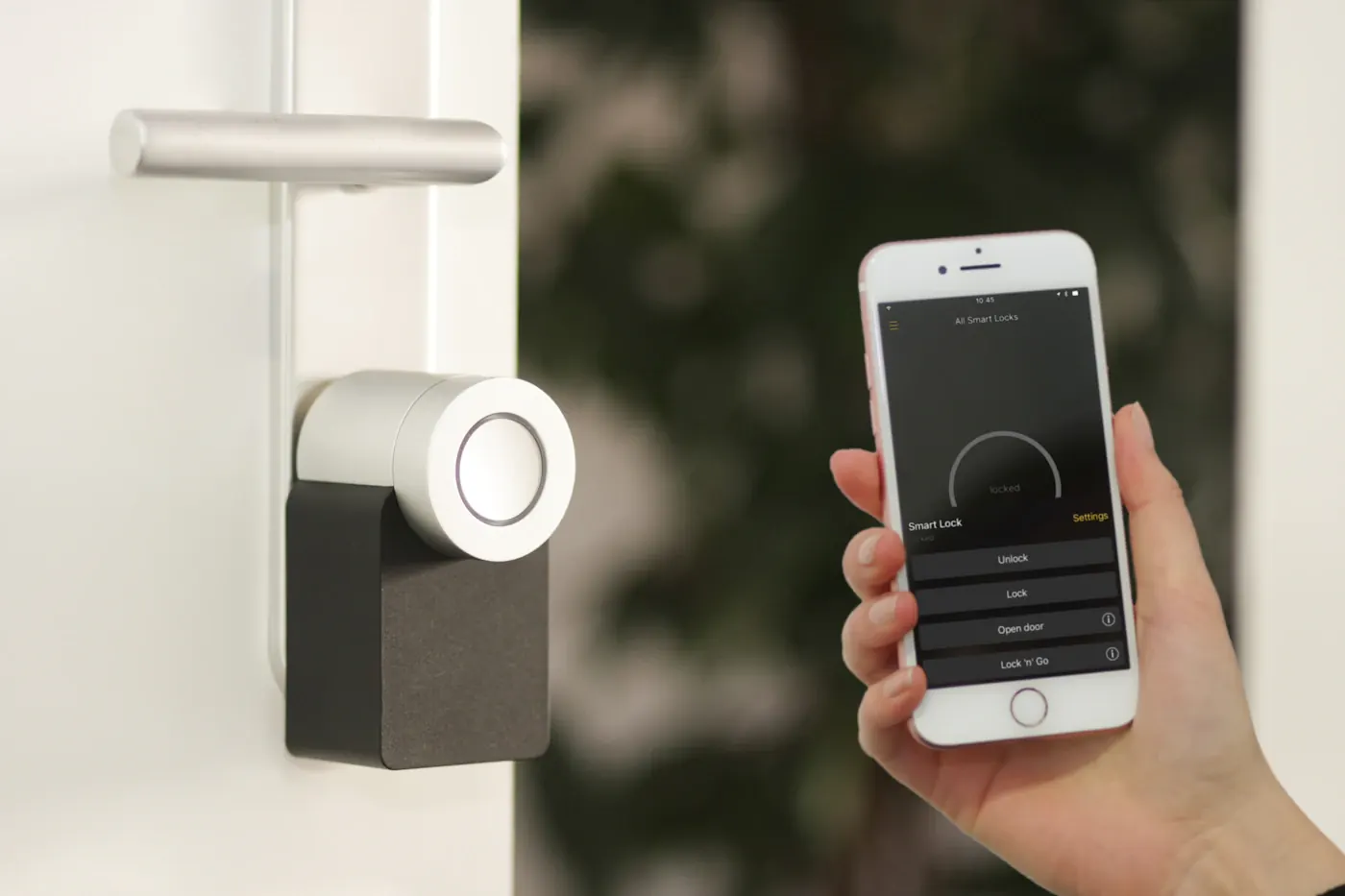
You add a smart bulb to the hallway, schedule a welcoming light, and then someone turns the wall switch off. The next evening the automation does nothing. This small conflict explains the most important difference between smart bulbs and smart switches: one changes the light source, while the other changes how the circuit is controlled.
Choose bulbs for a small number of lamps, adjustable color, or a renter-friendly installation. Consider switches for rooms where everyone expects the existing wall control to work naturally. Electrical compatibility and household habits should guide the choice before app screenshots do.
Begin with the fixture and the routine
List the lights you want to control and how people currently use them. A single bedside lamp differs from a kitchen circuit containing several ceiling fixtures. Buying six connected bulbs to change one room’s on-off schedule may be less practical than a compatible switch, while changing every wall switch for one colorful desk lamp is unnecessary.
Check bulb base, dimensions, light output, fixture enclosure requirements, and dimmer compatibility. Smart bulbs generally need continuous suitable power to remain connected. Do not assume an existing dimmer can stay in place; verify the bulb manufacturer’s instructions.
Compare by scenario
| Situation | Likely better starting point | Important limitation |
|---|---|---|
| Rented room with table lamps | Smart bulbs | Existing switches can disconnect them |
| Multiple ordinary ceiling lights | Compatible smart switch | Wiring and load compatibility matter |
| Color scenes for a desk corner | Color-capable bulbs | Color features add cost |
| Shared hallway | Familiar wall control | Supported control accessories may be needed |
Bulbs and switches can coexist, but avoid assuming that a smart dimmer should feed a smart bulb. Some systems provide a documented arrangement that keeps power available and sends control commands. That is a specific supported configuration, not a general rule.
Check wiring before buying switches
Inspect the product’s requirements for neutral wires, line and load connections, minimum loads, and multi-location circuits. A wall box’s appearance does not prove that it contains the conductors a new switch requires. Older homes and three-way switching arrangements need particular care.
If you cannot confidently identify the wiring or local rules require it, use a qualified electrician. Include installation in the purchase comparison. Replacing a bulb is a different level of work from changing a permanently wired device, even when both products use the same app.
Check fixture and lamp compatibility as well. LED dimming can be sensitive to the combination of lamp, driver, and switch. Look for the manufacturer’s compatibility documentation rather than buying based only on wattage. Flickering or unexpected behavior deserves diagnosis, not repeated settings changes without understanding the load.
Make manual use easy
An automation should work for someone who has never opened your app. Decide what happens when a guest presses a wall switch, when the internet goes down, and when a phone battery is flat. A familiar physical control can be more valuable than voice integration.
Some bulb ecosystems offer battery-powered remotes or switch covers. Check how those accessories mount, whether they require a hub, and whether they suit your household. Do not conceal an important safety or isolation function simply to prevent accidental disconnection.
Account for hubs and future changes
Compare the total system: bulbs or switches, controllers, remotes, installation, and any recurring services. Standards support can improve options, but exact controller and transport requirements still need verification. Read the chosen model’s compatibility documentation before mixing ecosystems.
For a simple white-light schedule, color controls and elaborate effects may be an avoidable expense. For a reading corner, convenient dimming and an appropriate light color may matter more than a large catalog of preset scenes. Buy a small initial setup and use it for a week of ordinary routines before expanding.
When the existing lights are enough
Skip connected lighting if the current wall switch already solves the problem, nobody wants to maintain an app, or changing the fixtures would be disproportionate. A smart plug can be a simpler option for a compatible plug-in lamp, while a basic timer may be sufficient for a fixed routine.
Questions before checkout
Can smart bulbs work with any dimmer?
No. Follow the bulb manufacturer’s specific guidance. Supplying the wrong kind of power can cause unreliable operation.
Does every smart switch need a neutral?
Requirements vary. Confirm the exact model and the wiring actually present rather than assuming compatibility.
Which is cheaper for one room?
Count fixtures, accessories, and installation. A single bulb may be inexpensive to start; several bulbs plus remotes can change the comparison.
Sources & further reading
Consult these official resources for technical details and compatibility. Product availability, specifications, and terms can change; verify the exact model before buying.
Spotted an error? Send a correction to Smartvora.