How to Choose a Quiet Mouse for a Shared Workspace
Reduce distracting clicks without sacrificing fit, reliable connectivity, scrolling, or everyday control in a shared room.
Research-led guidance based on published information and practical selection criteria. We have not performed hands-on testing of the products discussed.
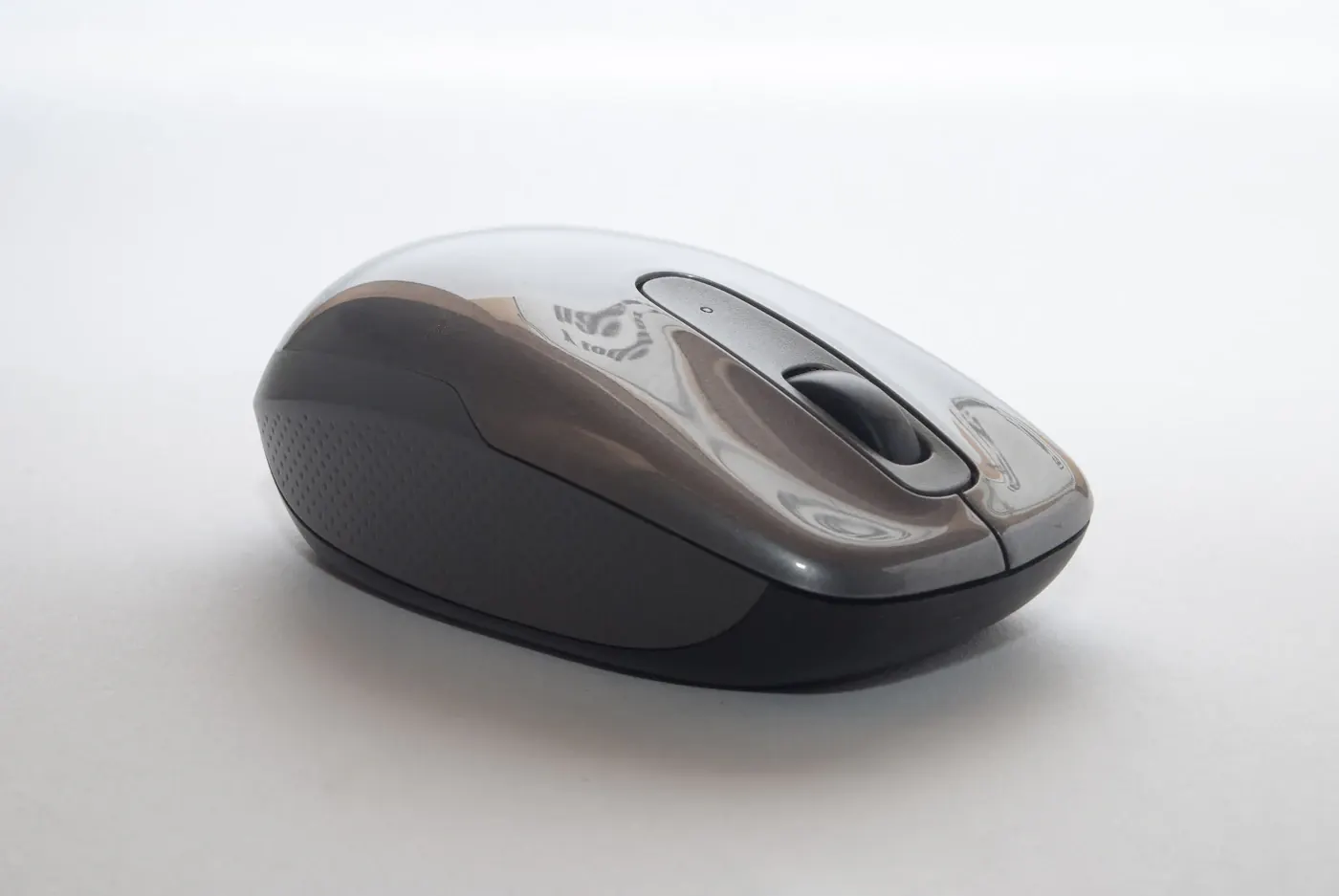
Quietness should solve a real room problem
In a small apartment, the desk may be close to someone studying, sleeping after a late shift, or taking a meeting. Repeated mouse clicks can become more noticeable than background computer noise. A mouse designed for quieter clicks can help, but it should still fit your hand and support the work you do all day.
Start by identifying the distracting sound. It might come from the main buttons, the scroll wheel, a side button, or the mouse sliding across a rough surface. A product marketed as quiet may only make a claim about particular buttons. Read the manufacturer’s description carefully and do not assume every action is silent.
Choose around the daily task
| Use case | Priority | Possible compromise |
|---|---|---|
| Shared home office | Quieter main clicks and comfortable fit | Quiet switches may feel different |
| Long spreadsheet sessions | Controlled scrolling and useful navigation | More controls can add complexity |
| Laptop travel | Small size and protected receiver storage | Compact shapes may feel cramped |
| Multiple computers | Clear device-switching support | Setup varies across operating systems |
| Occasional creative work | Predictable pointer control | Extra buttons require software support |
For normal document work, a dependable connection and comfortable shape matter more than extreme sensitivity figures. A mouse with a spectacular sensor specification is not automatically the right purchase for a person who simply wants to stop disturbing a roommate.
Fit is more important than the label
Compare dimensions with a mouse you already find comfortable. Think about whether you move from the wrist or arm, how much desk space is available, and whether the shape forces you to grip tightly. A travel mouse can be useful in a bag yet feel too small for a full working day.
Vertical designs change the hand position and can suit some people, but do not assume one shape cures discomfort. Try the shape when possible, or choose a seller with an appropriate return policy. Persistent discomfort warrants attention to the whole workstation and appropriate advice rather than a sequence of expensive accessory purchases.
Do not forget scrolling and side buttons
A quiet primary click does little for shared-room peace if the wheel is noisy during every long document. Check descriptions of wheel modes and secondary controls. A free-spinning wheel may help move through large documents, while a notched mode can offer more deliberate movement. The useful choice depends on your work, and neither mode is necessary for everyone.
Extra buttons should have a purpose. Back and forward controls can be convenient in a browser, but accidental activation is frustrating. If remapping requires software, confirm that it runs on your computer and is allowed by work policy. Basic pointer operation and advanced customization may have different compatibility requirements.
Pick a connection you can maintain
Bluetooth can avoid using a USB socket, which is useful on a laptop with few ports. A receiver-based connection may be convenient at a fixed desk, but it needs a compatible port and a way to avoid losing the receiver during travel. Some models support both; confirm that the exact version you buy includes what you need.
Check whether the mouse uses replaceable batteries or a rechargeable internal battery. Both approaches can work. Replaceable cells are easy to swap when prepared; charging is convenient when a cable is accessible. Find out whether the mouse remains usable while charging rather than assuming the charging connection also carries pointer data.
Fix the surface before buying more features
A clean, suitable mouse pad can reduce scraping and help tracking on an awkward tabletop. It will not change the button mechanism, but it can address a different source of sound. Check operating-system pointer speed as well: an uncomfortable movement range may reflect settings, not faulty hardware.
Pairing a quiet mouse with a loudly clicking keyboard may leave the room problem unresolved. Our keyboard comparison explains which features affect the rest of the desk. Spend on the loudest repeated distraction first.
Frequently asked questions
Does “silent” mean completely inaudible?
Treat it as a product claim to examine, not a universal guarantee. Sound varies with the control used, desk surface, room, and listener. Look for clearly described quieter components.
Will a quiet mouse work for gaming?
Possibly, but check the specific controls, connection, and performance needs of your games. Quietness alone does not establish suitability for competitive play.
Who should keep their current mouse?
If clicks do not disturb anyone and the mouse is comfortable and reliable, an upgrade may offer little value. If the noise is scraping rather than clicking, try a suitable surface before replacing the device.
Sources & further reading
Consult these official resources for technical details and compatibility. Product availability, specifications, and terms can change; verify the exact model before buying.
Spotted an error? Send a correction to Smartvora.