Matter vs. Wi-Fi Devices: Compare the Right Layers
Understand standards, network connections, controllers, and feature support before adding smart-home accessories.
Research-led guidance based on published information and practical selection criteria. We have not performed hands-on testing of the products discussed.
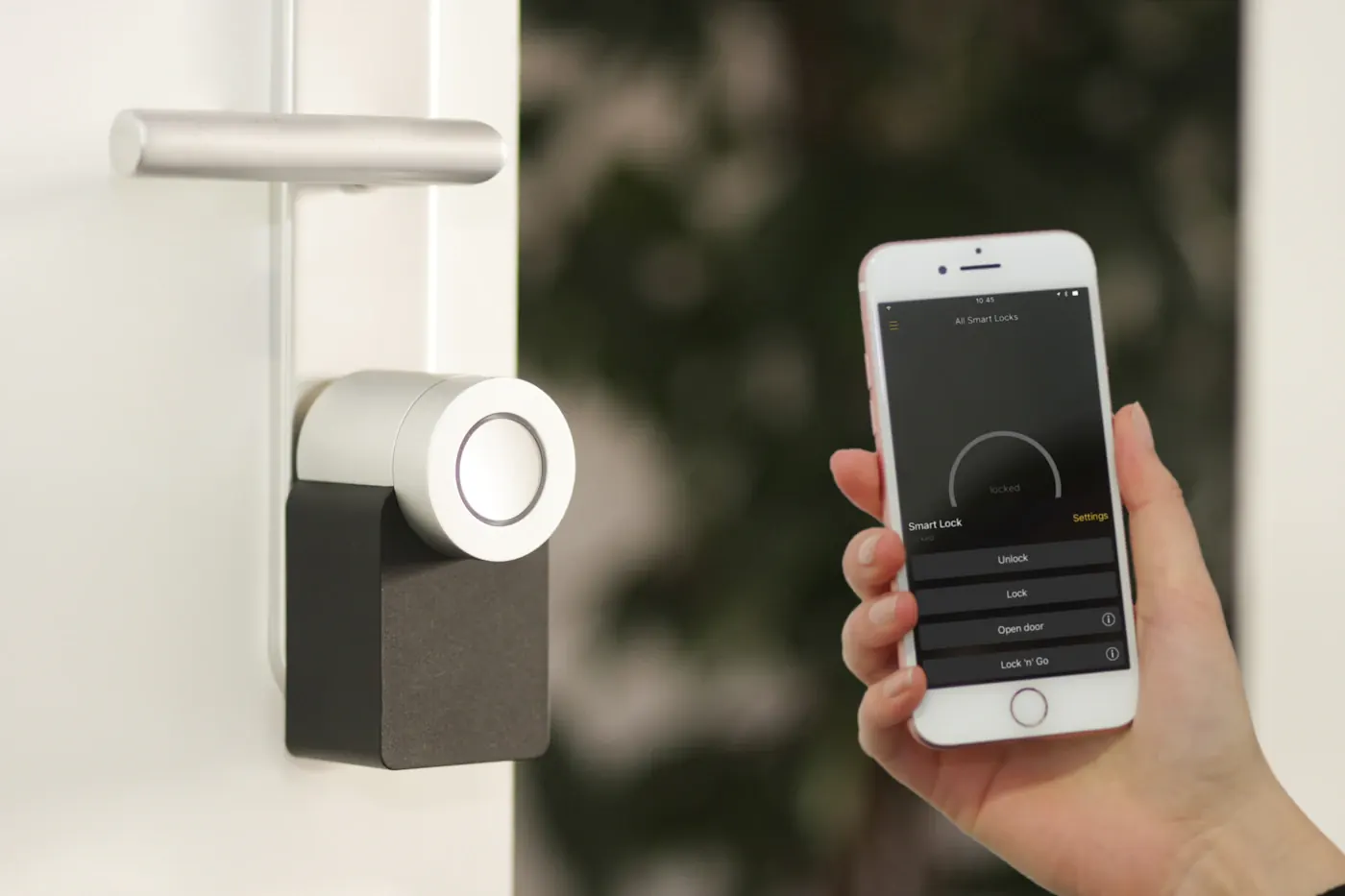
You want a bedside lamp to work with your household’s voice assistant, and two boxes promise different things: one says Wi-Fi, the other says Matter. This is not a straightforward choice between competing wireless networks. Wi-Fi describes a network connection; Matter describes a smart-home interoperability framework that can use supported network transports.
Choose by the controller, features, and installation requirements you actually have. A familiar logo is a useful research clue, not proof that every advanced function will appear in your preferred app. Buying one accessory and checking ordinary operation is safer than building a whole system from packaging alone.
Separate the layers
A connected product has several relevant layers: how it reaches the network, how it communicates with controllers, and which manufacturer services provide additional functions. Matter products can use Wi-Fi or Thread for operational networking, while setup can involve Bluetooth. The exact device documentation tells you what your purchase requires.
Thread is a low-power mesh networking technology, not another name for Matter. A Matter-over-Thread accessory needs an appropriate network arrangement, including a Thread border router. Check your existing controller’s documented capabilities rather than assuming that any smart speaker supplies everything.
Compare practical arrangements
| Product arrangement | Why it may suit you | What to verify |
|---|---|---|
| Wi-Fi with manufacturer app | Straightforward fit for an established ecosystem | Cloud dependencies and supported integrations |
| Matter over Wi-Fi | Cross-platform control opportunities | Controller support for the device type |
| Matter over Thread | Low-power network fit for suitable accessories | Border-router and controller requirements |
| Hub-based proprietary accessory | Mature features in a specific system | Hub cost and supported expansion |
These are purchase scenarios, not a ranking. A proprietary hub with reliable documented features can suit a household better than a newer standards-based device that omits a needed control. Conversely, a supported Matter accessory may reduce reliance on a single manufacturer’s app for routine operation.
Make a compatibility list before checkout
Write down your controllers, phones, and the exact feature you need. “Control a light” is different from “use every dynamic color effect” or “configure detailed energy reporting.” Basic controls can work through one integration while advanced features remain in the manufacturer’s app.
Check the official compatibility documentation for both ends. Look for the device type, supported features, firmware requirements, and required hubs or border routers. Standards support evolves, but do not buy based on a promised future update. The shipping functionality should satisfy your essential task.
If several people use different platforms, review supported sharing and multi-controller arrangements. Do not assume that sharing an accessory automatically shares every automation or manufacturer account permission. Each ecosystem may manage routines and users separately.
Network setup still matters
A device’s standards support does not solve weak coverage or a misconfigured home network. Follow the manufacturer’s onboarding requirements, including any Wi-Fi band restrictions. Avoid purchasing additional routers until you understand the actual connection failure.
Thread and Wi-Fi use different networking arrangements, so troubleshooting steps differ. Keep controllers and supporting equipment powered and follow supported network instructions. Changing router settings blindly can create new problems for existing equipment. Our mesh-versus-router guide helps investigate ordinary coverage issues first.
Record model names and keep setup information in an appropriate secure location. Preserve commissioning codes according to the manufacturer’s guidance without publishing them in household screenshots or online troubleshooting posts. Reset and transfer procedures matter when selling a device or moving home.
Local control is a question, not a slogan
Matter is designed to support local smart-home communication, but individual products can still have manufacturer accounts, update services, or cloud-dependent extras. Remote access away from home depends on the controller and surrounding system. Verify what operates during an internet outage instead of assuming every feature remains available.
Likewise, a Wi-Fi accessory is not necessarily cloud-only. Some products expose supported local operation; others rely heavily on a remote service. Judge the documented implementation rather than equating one radio technology with a particular privacy or subscription outcome.
When standards are not a reason to upgrade
Keep devices that work reliably and remain supported when they already meet the household’s needs. Replacing every lamp merely to align logos can create cost and electronic waste without a practical improvement. For future purchases, favor clear documentation, usable manual controls, and an understandable maintenance path.
Our subscription-free smart-home guide provides a separate cost checklist. Interoperability, subscription pricing, and update support are connected purchase considerations, but none is determined by one label alone.
Questions before checkout
Is Matter a replacement for Wi-Fi?
No. It operates at a different layer, and some Matter products use Wi-Fi for their network connection.
Does every Matter device need a Thread border router?
No. That requirement applies to the relevant Thread arrangement, not every Matter-over-Wi-Fi accessory.
Will every feature work in every app?
Do not assume so. Check documented controller support and which features remain specific to the manufacturer’s application.
Sources & further reading
Consult these official resources for technical details and compatibility. Product availability, specifications, and terms can change; verify the exact model before buying.
Spotted an error? Send a correction to Smartvora.