Smart Locks for Rental Homes: Permission, Fit, and Fallbacks
Assess landlord permission, lock compatibility, access sharing, and battery maintenance before changing a rental door.
Research-led guidance based on published information and practical selection criteria. We have not performed hands-on testing of the products discussed.

A renter wants to give a trusted friend temporary access while away for the weekend, without arranging a physical-key handoff. A smart lock could help, but a rental door belongs to a larger arrangement involving the landlord, building rules, emergency access, and the existing hardware. The first compatibility check is permission, not Bluetooth.
Consider a supported retrofit solution only after confirming what changes are permitted. Choose for clear daily operation and a documented fallback when batteries, a phone, or a network connection fail. Convenience should not leave a household uncertain about how to enter or exit its home.
Get the rules in writing
Review the lease and ask the responsible property manager about lock changes, retained keys, and access requirements. Shared buildings may have additional rules. A device that mounts inside the door is not automatically exempt from permission simply because the exterior looks unchanged.
Clarify who must retain access and what happens when the tenancy ends. Keep the original parts if the approved installation requires restoring them later. Do not modify a fire-rated or shared-entry door without appropriate authorization and qualified guidance.
Compare installation approaches
| Approach | Potential advantage | Rental-specific limitation |
|---|---|---|
| Interior retrofit on supported deadbolt | May preserve exterior key hardware | Exact lock compatibility still matters |
| Full replacement lock | Integrated keypad and mechanism options | Greater approval and restoration requirements |
| Approved key-management arrangement | Less modification | Sharing and collection remain manual |
| No hardware change | Preserves existing access arrangements | Remote convenience is limited |
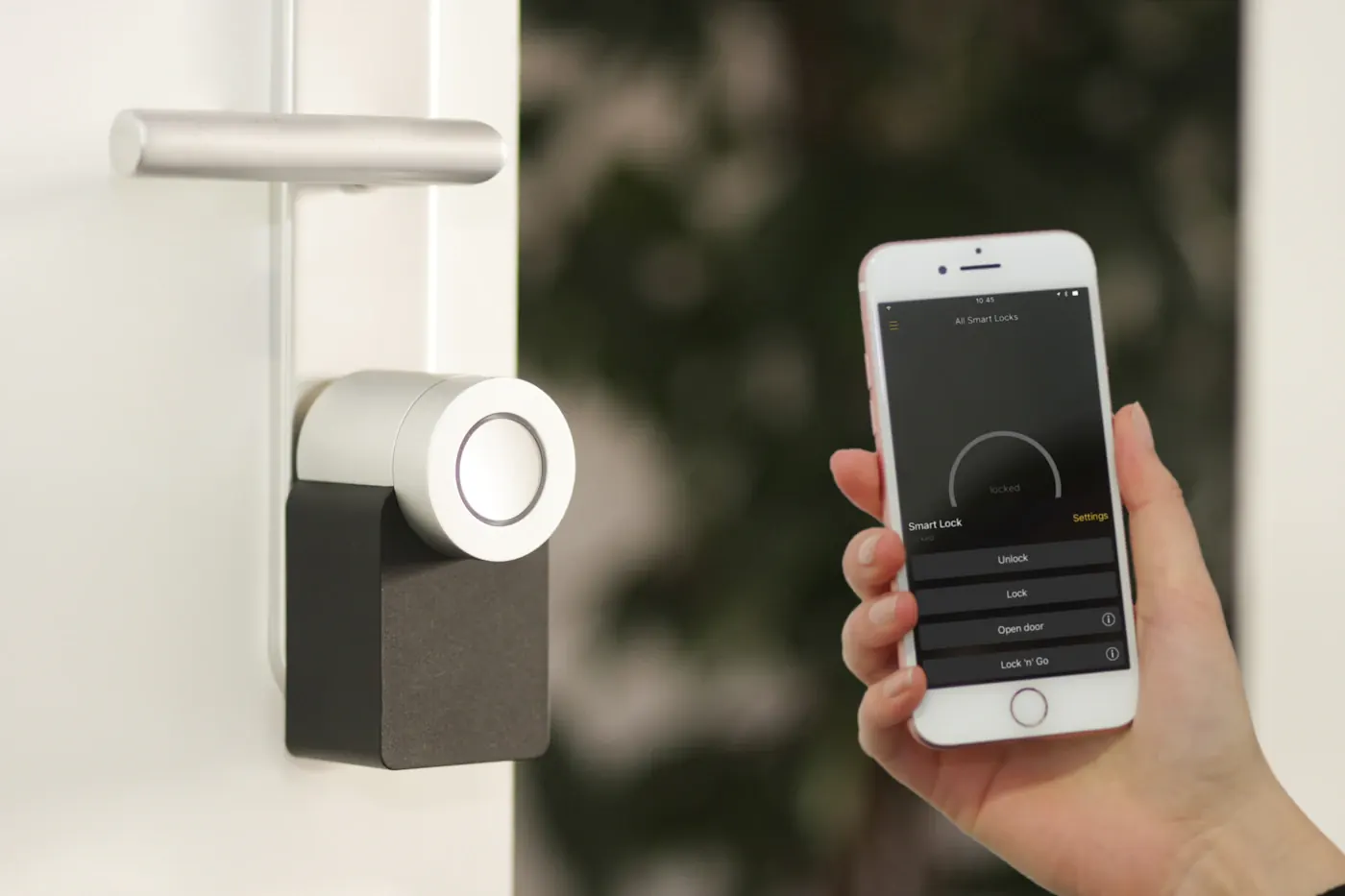
A retrofit product usually supports a defined set of lock designs. Check the exact existing mechanism, dimensions, and available adapters. Mortise locks, multi-point systems, unusual thumb turns, and tightly spaced hardware can change the answer. Do not force an accessory onto unsupported parts.
Inspect the door’s ordinary operation
Try the existing lock with the door open and closed. If the door must be lifted, pushed, or pulled hard before the bolt turns, address the alignment issue first. A motorized device should not be expected to compensate for a sticking door or worn hardware.
Check interior clearance, nearby handles, storm doors, and any mounting obstruction. A bulky interior module may interfere with another fitting even when the bolt itself is compatible. Read the installation dimensions and supported orientations before purchase.
Any device affecting entry should preserve appropriate exit operation and comply with relevant local requirements. Seek qualified advice when door function or required egress is unclear. Marketing terms about convenience do not establish suitability for a particular property.
Plan access sharing deliberately
Compare individual codes, time limits, guest invitations, and revocation features. Verify whether the desired sharing function needs an account, nearby connectivity, a hub, or an internet connection. A code advertised as temporary may have particular scheduling conditions.
Use separate access for each appropriate person where the system supports it. Remove permissions when the reason for access ends. Avoid posting entry codes in group chats that include unnecessary recipients. Keep account credentials separate from door codes and enable stronger authentication where offered.
Ask how the landlord or property manager’s agreed access will work without depending on your phone. Establish that arrangement before installation rather than solving it during a maintenance visit. A smart device does not override lease obligations or emergency procedures.
Understand battery and network failures
Read the low-battery indicators, replacement instructions, and documented emergency entry methods. Some products retain a physical key; others describe external power or another fallback. Only the exact model documentation tells you which method is available.
Keep supported replacement batteries accessible and build a routine for inspecting alerts. Do not rely on a maximum battery-life figure as a maintenance calendar. Activity, settings, connectivity, and conditions can influence replacement frequency.
Bluetooth proximity control and remote internet access are different capabilities. Remote functions may require a bridge, hub, or service. If you only need occasional local code entry, paying for a more elaborate connection may be unnecessary. Confirm any recurring costs independently of a trial offer.
Who should skip the purchase?
Skip a smart lock when permission is refused, hardware is unsupported, the door does not operate properly, or the household would find charging and account management burdensome. A secure, agreed key handoff may be simpler for rare visits. For seeing arrivals rather than granting entry, our video-doorbell checklist addresses a different need.
Do not buy on the assumption that “smart” means inherently more secure. Evaluate documented hardware, access controls, support, and installation quality without accepting an absolute protection promise.
Questions before checkout
Is an interior retrofit always allowed in a rental?
No. Confirm the lease, landlord permission, and any building-specific restrictions before purchase.
Can I unlock it if my phone is dead?
That depends on the model and configured fallback. Check physical keys, keypads, and documented emergency access in advance.
Does remote access require Wi-Fi?
The arrangement varies. Some products use a separate bridge or hub, while others have integrated networking. Read the exact requirements.
Sources & further reading
Consult these official resources for technical details and compatibility. Product availability, specifications, and terms can change; verify the exact model before buying.
Spotted an error? Send a correction to Smartvora.