Choosing a Projector for a Small Room: Measure Before You Buy
Compare throw distance, light control, placement, audio, and picture expectations for a compact viewing space.
Research-led guidance based on published information and practical selection criteria. We have not performed hands-on testing of the products discussed.
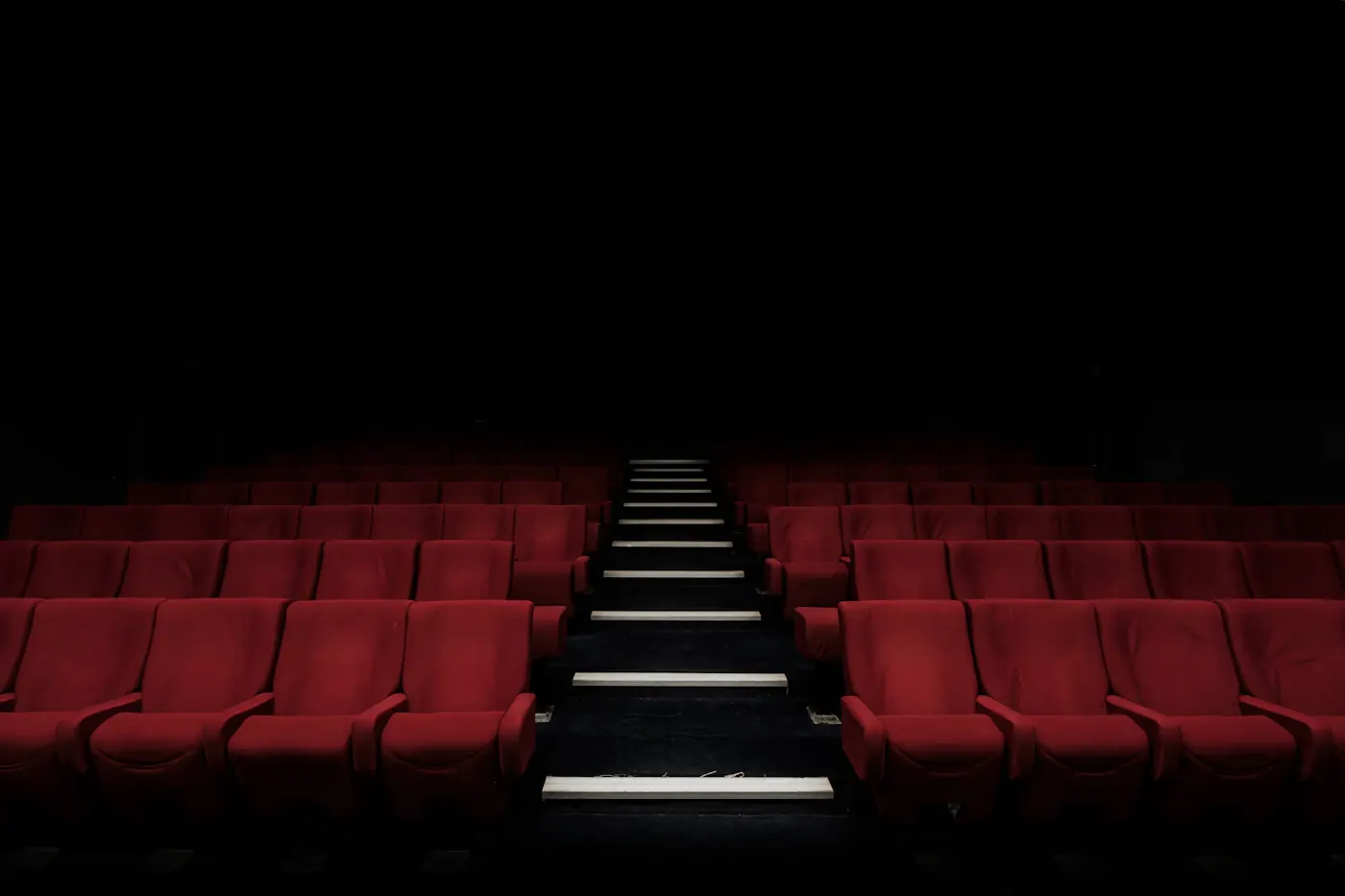
You would like a larger movie picture in a compact living room, but the sofa is close to the opposite wall and daylight arrives through a wide window. A projector could fit the evening routine, yet the room sets limits that no portable-device photograph reveals. Measure the available distance and decide when you will actually watch before choosing hardware.
For a small room, prioritize a documented placement arrangement, controllable light, and practical sound. A conventional television may be the better purchase when daytime viewing, quick startup, and unrestricted furniture placement matter more than a very large evening picture.
Measure the whole viewing arrangement
Identify the image surface, viewer position, and a realistic place for the projector. Measure from the lens location using the manufacturer’s stated method, not simply from one wall to another. Allow room for the device body, power connections, ventilation, and cable bends.
Throw ratio relates image width to projection distance, but exact calculation and supported image sizes depend on the model. Use the manufacturer’s calculator or installation chart. A projector cannot produce every picture size from any shelf merely because it has digital resizing controls.
Compare placement types
| Arrangement | Why it may suit a small room | Tradeoff |
|---|---|---|
| Standard throw on rear shelf | Keeps equipment away from the screen wall | Needs sufficient lens-to-screen distance |
| Short throw near the front | Larger image from less distance | Placement still requires exact calculation |
| Ultra-short throw on cabinet | Avoids a rear projection path | Surface geometry and cabinet position matter |
| Portable unit moved for movies | Flexible temporary setup | Repeated alignment and cable setup |
Short throw and ultra-short throw are not interchangeable labels. Look at the actual installation requirements, including how far the cabinet extends into the room. A large image may require more wall height and equipment offset than expected.
Treat the screen as part of the system
A flat, appropriately prepared wall may be acceptable for a modest setup, but texture, color, and unevenness influence the picture. A screen adds cost and mounting requirements. Renters should check permission before drilling or installing a large fixed surface.
Different screen types suit different arrangements. Do not assume that a screen designed for one projector position will work well with another. In particular, specialized light-rejecting surfaces can have orientation and projector-geometry requirements. Follow the screen manufacturer’s compatibility information.
Measure doors, radiators, artwork, and furniture as well as the blank wall. The picture should not cover an obstruction, and a deployed pull-down screen should not create an unsafe walkway or block necessary access.
Light control changes the purchase
Think about your ordinary viewing time. Evening films with curtains closed differ from afternoon sport in a bright room. Published brightness figures are useful only with their stated measurement basis and operating conditions. Do not compare unlike marketing units as if they established a reliable ranking.
A projector’s darker tones are affected by light reaching the screen. More brightness does not make every bright room suitable. Consider whether practical curtains or a different viewing schedule are acceptable. If you do not want either, a television deserves serious comparison.
Manufacturer contrast numbers also need context. Without controlled testing, avoid treating a large ratio as proof of superior real-room picture quality. Choose around supported setup and documented features rather than one impressive-looking specification.
Sound, inputs, and everyday friction
Built-in speakers may be convenient, but compare your actual audio needs. Check supported outputs, soundbar compatibility, and how sources connect. Wireless audio can introduce behavior that differs by device, so verify the complete arrangement if lip synchronization matters to you.
List essential streaming apps and confirm availability for the projector’s platform and your country. A separate streaming device may offer a clearer support path than relying on integrated software. Our streaming-device guide explains how to separate app requirements from display hardware.
Check fan noise information, ventilation instructions, remote controls, and startup behavior. A projector placed beside the viewer can make operational sound more noticeable. Published specifications cannot tell you how a particular person will perceive it, making sensible returns useful.
Do not pay to correct avoidable placement
Lens shift and supported optical adjustment can provide flexibility on suitable products. Digital keystone correction changes the image electronically and is not a substitute for understanding the installation. Start with correct physical placement and use adjustments as documented.
Compare replacement lamps where applicable, light-source service information, filters, mounts, cables, and screen costs. A low initial device price is only part of the system. Keep maintenance access available rather than fixing the projector into an inaccessible corner.
Who should choose a television instead?
Skip the projector if the room stays bright, the available distance does not support your desired picture, or daily setup would become a chore. A smaller dependable screen can be better than a larger compromised one. Keep an existing television when its size and apps already meet the routine.
Questions before checkout
Can keystone correction fix any position?
No. It has limits and does not change the lens’s physical placement requirements. Follow the model’s installation guidance.
Is a white wall always enough?
It may suit modest expectations, but surface color, texture, flatness, and ambient light matter.
Does a portable projector replace a TV easily?
Not automatically. Compare apps, sound, light conditions, power, positioning, and the time needed for ordinary use.
Sources & further reading
Consult these official resources for technical details and compatibility. Product availability, specifications, and terms can change; verify the exact model before buying.
Spotted an error? Send a correction to Smartvora.